Arduino traffic light with a pedestrian button (Uno)
Red, yellow and green for the cars, red and green for the pedestrians, and a button to ask for the crossing, run by an Arduino Uno.
It opens in your browser without an account, read-only and ready to run.
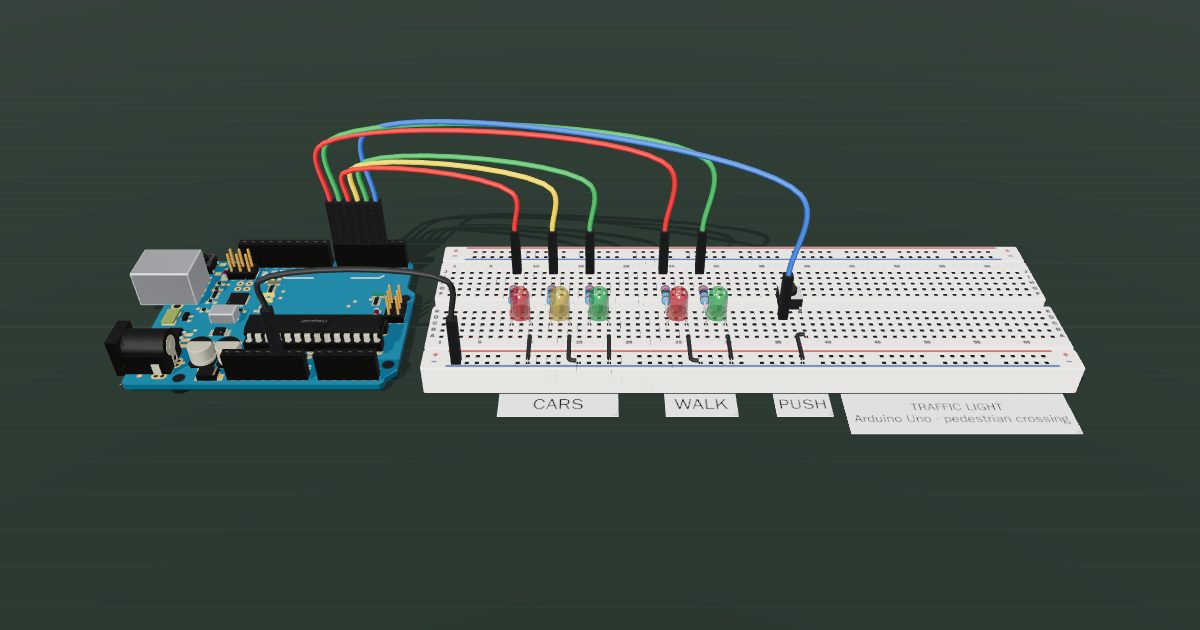
Every example opens as a schematic too, drawn in KiCad’s style and kept in step with the breadboard: a part added on one shows on the other.
How it works
The cars’ lights are on D5 (red), D4 (yellow) and D3 (green), the pedestrians’ on D7 (red) and D6 (green), each LED through 220 Ω. The button goes from D2 to ground, read with the chip’s pull-up.
The cars keep green until someone presses the button; then yellow, red, the walk light, and green again. The sketch prints each step on the serial port.
Parts
- 1 × Arduino Uno, running the example’s sketch
- 5 × LEDs (2 red, 1 yellow, 2 green), each through 220 Ω
- 1 × push button
- 1 × full-size breadboard
Run it in BBRouter
- Open the example: it opens in the editor, no account needed.
- Click Power in the toolbar to switch it on.
- Press the PUSH button and watch the lights change.
- Click Schematic in the toolbar to see it as a schematic, and again to go back to the breadboard.
- To change it, sign in and click Fork: the copy is yours to edit.
More example circuits
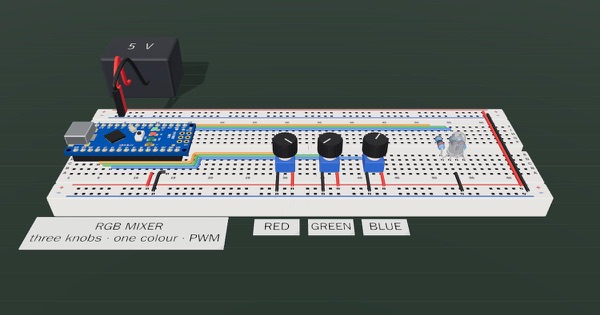
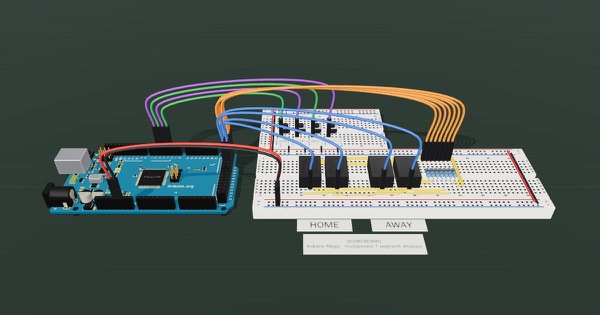
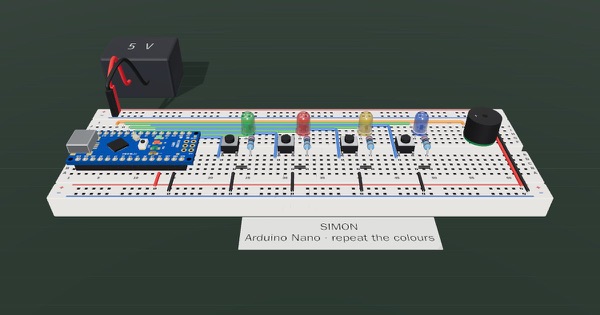
Switch it on.
Build your own circuit on breadboards in 3D, simulated as wired. Free to start.